QR Code Survey Generator: Collect Customer Feedback Instantly
Create a QR code survey in seconds and collect customer feedback at the moment an experience happens.
Customers simply scan the code with their phone and respond instantly—no apps, no logins, and no email surveys required.
QR code surveys are commonly used in restaurants, retail stores, events, packaging, and physical locations where traditional feedback methods are inconvenient.
Start by creating your survey below.
Create a QR Code Survey
After creating your survey, you'll receive a QR code that customers can scan to submit feedback instantly.
What Is a QR Code Survey?
A QR code survey is a feedback form that opens when someone scans a QR code (a type of 2D barcode) with their phone camera.
Instead of sending surveys by email or requiring users to download an app, QR surveys allow people to respond immediately while they are still at the location or interacting with the product.
This approach works especially well in physical environments where customers are already present, such as:
- Restaurants
- Retail stores
- Gyms
- Events
- Product packaging
- Museums and attractions
Because the survey appears instantly after scanning, the experience takes only a few seconds for the respondent.
Why Businesses Use QR Code Surveys
QR feedback systems have become popular because they remove most of the friction that usually comes with traditional surveys. Creating QR codes became especially common during COVID for reducing physical touchpoints at restaurants, but businesses have also begun to use QR code generators to create QR codes for other reasons:
Instant feedback at the moment of experience
Customers can respond in real time while their experience is still fresh. In many cases this leads to more accurate feedback than surveys sent hours or days later.
Higher response rates
Scanning a QR code is mobile-friendly and takes only a few seconds, which dramatically reduces the drop-off that happens with longer email surveys. The quick response time improves completion.
No apps or accounts required
Most modern smartphones recognize QR codes directly through the camera app without needing a separate QR code scanner app. Customers simply scan and respond.
Anonymous responses
Because QR surveys don't require personal information, people tend to be more open and honest in their feedback.
Easy deployment
Businesses can place QR codes almost anywhere: receipts, menus, signage, packaging, and event materials.
Where QR Code Surveys Work Best
QR feedback systems are especially useful to gather feedback in environments where customers are physically present. Below are some of the most common use cases.
Restaurant Feedback
Restaurants often place QR codes on:
- Receipts
- Table tents
- Menus
- Exit signs
This allows customers to quickly rate their experience before leaving.
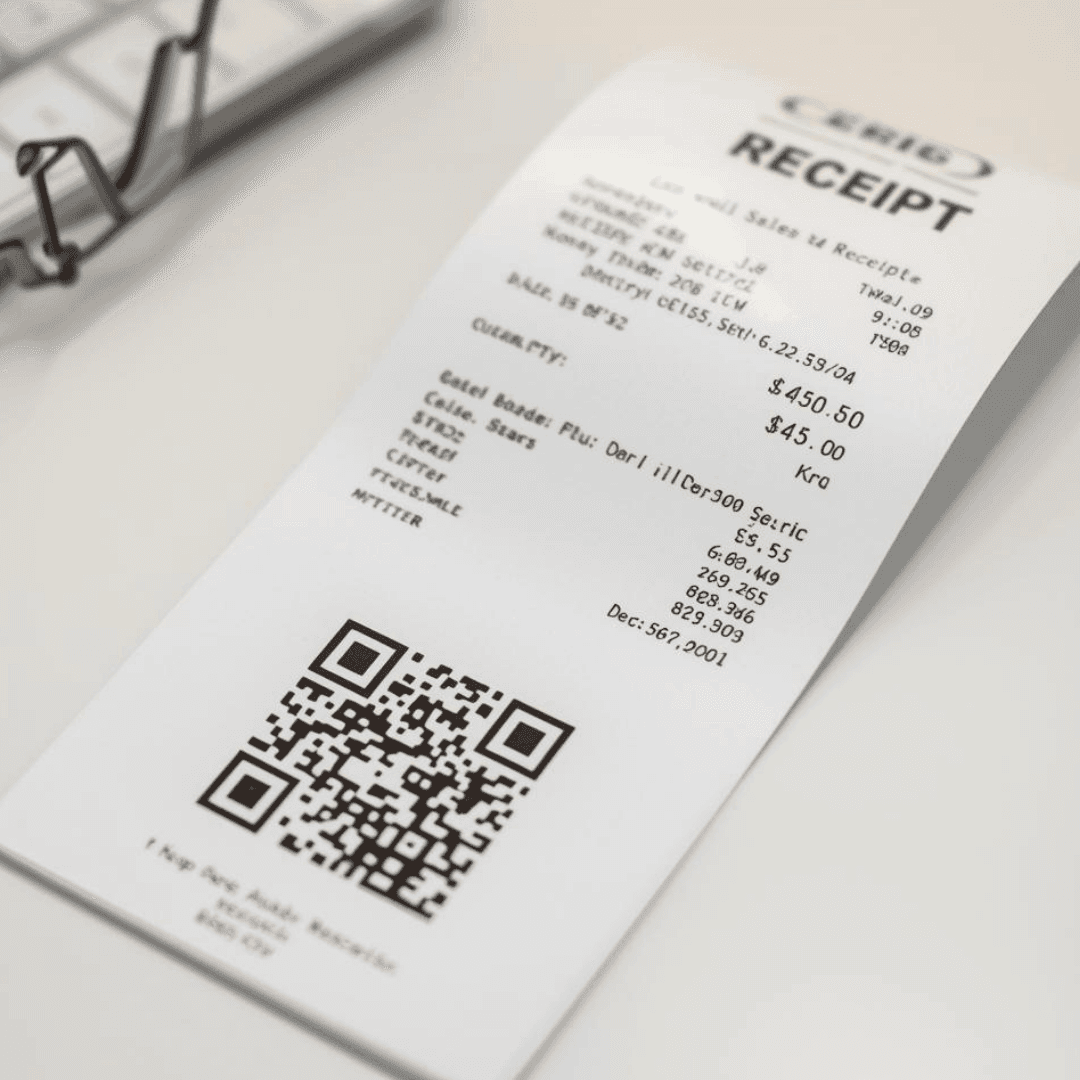
Immediate feedback helps restaurant operators identify issues with service, food quality, or wait times.
Retail Store Feedback
Retail businesses frequently place QR surveys near:
- Checkout counters
- Fitting rooms
- Store exits
- Product displays
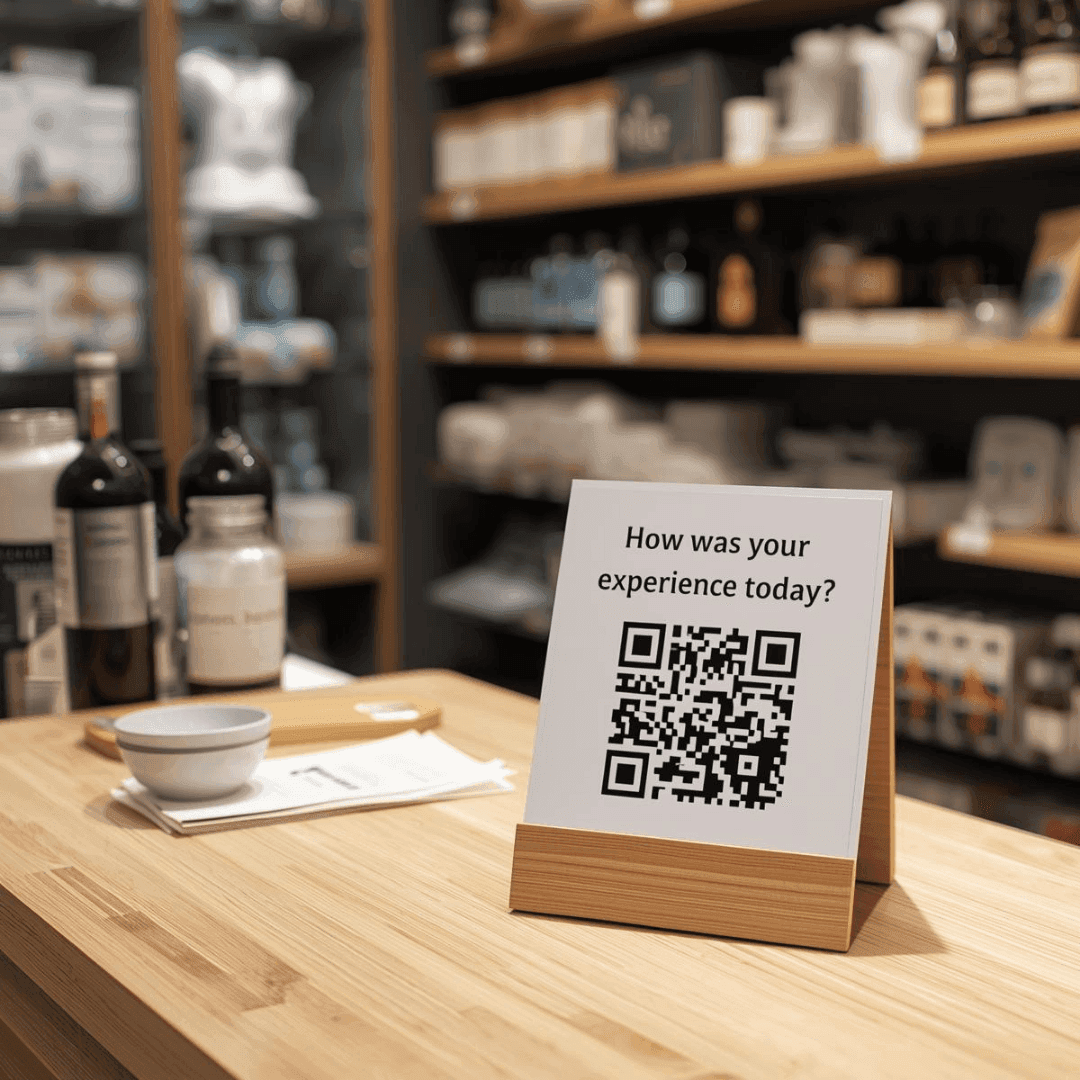
This allows customers to provide quick feedback about their in-store experience.
Event Feedback
Events often struggle to collect meaningful feedback after attendees leave. QR surveys solve this by allowing organizers to display a code:
- On presentation slides
- On signage near exits
- On printed programs
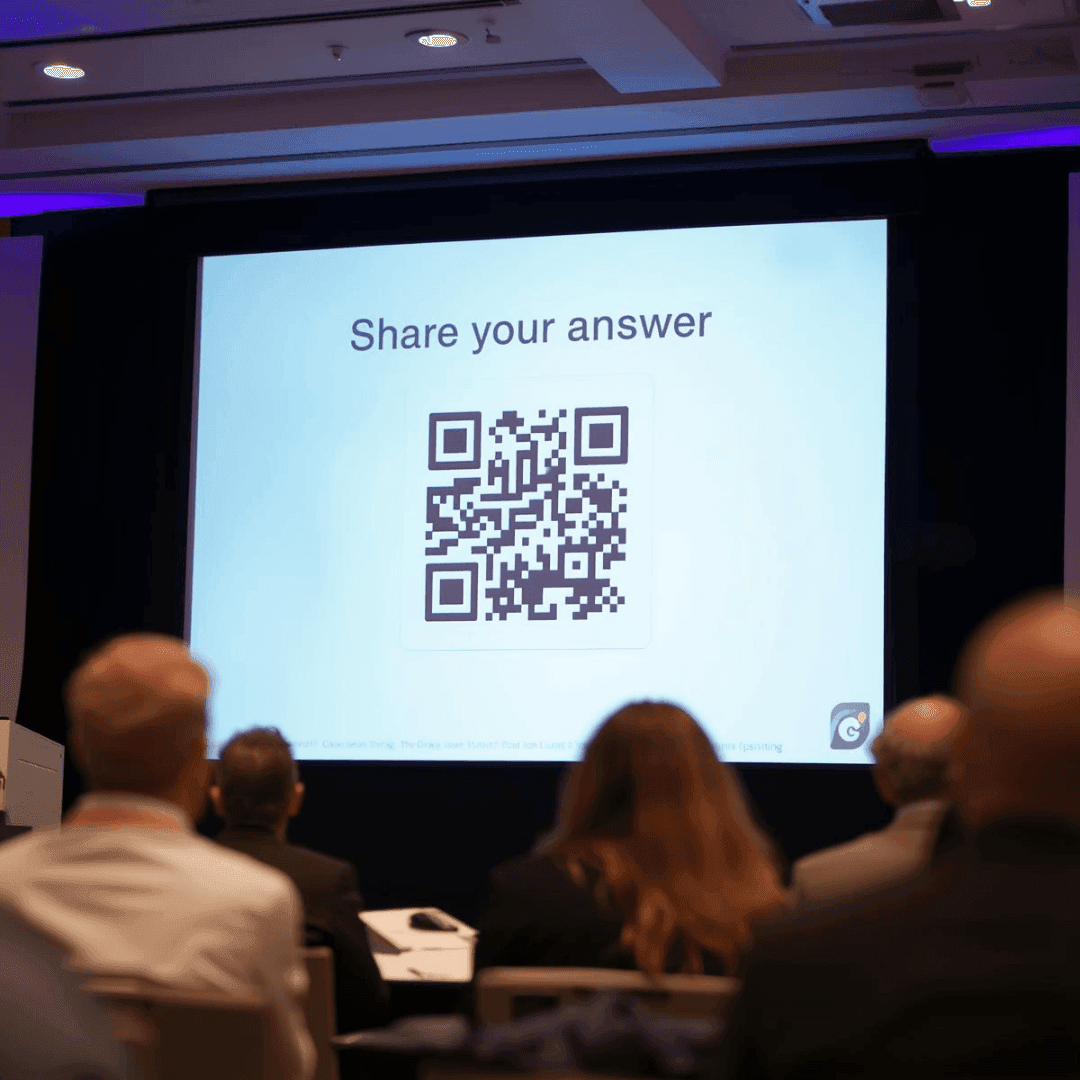
Attendees can respond while the event is still fresh in their mind.
Product Packaging Feedback
QR surveys can also be printed directly on packaging.
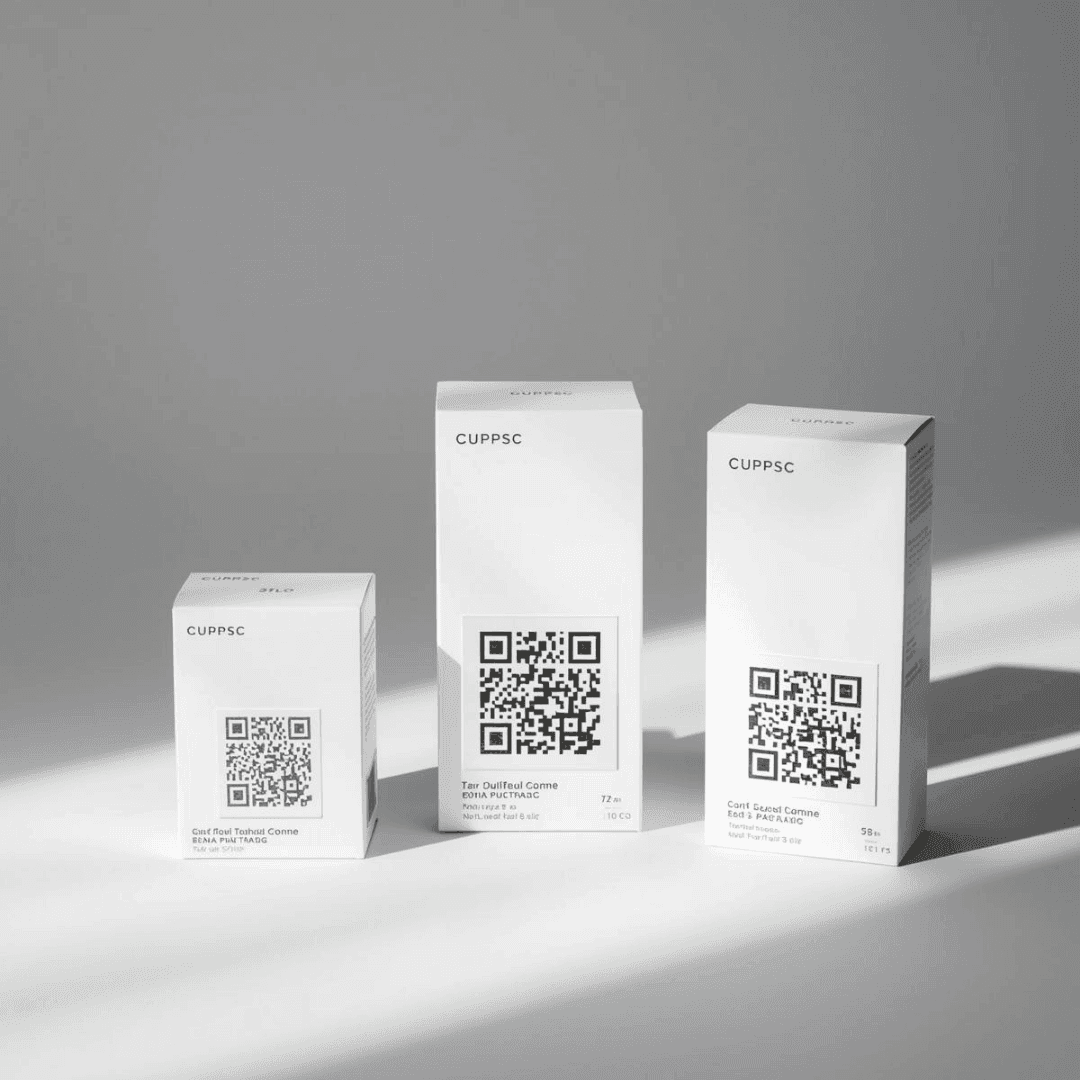
Customers scan the code while using the product and provide feedback about:
- Product quality
- Ease of use
- Satisfaction
- Improvement suggestions
This allows companies to gather real customer insights at scale.
How to Create a QR Code Survey
Creating a QR survey typically involves three simple steps—making a survey, turning the survey into a QR code, and printing it. Our tool, ScoreCode, is a survey-builder plus QR code generator that automatically turns your survey into a QR code. This removes the extra steps (and the ocean of additional features) that other survey-building tools provide.
Create your survey question
Most QR surveys work best with short, simple questions such as:
- “How was your experience today?”
- “How satisfied are you with this product?”
- “Would you recommend us to a friend?”
Keeping surveys short increases participation rates.
Generate the QR code
Once your survey is created, the platform generates a custom QR code linked to the form. This QR code can be downloaded, printed, or added to digital materials.
Typically QR code generators provide an easily printable file format, such as a PNG. This is an image file, which you can upload to a design tool (like Canva) in order to add it to your business' marketing materials (posters, flyers, signs).
Print it and place it where customers can scan
QR codes should be placed where customers naturally pause or interact with your business to help you collect feedback. Examples include:
- Receipts
- Table cards
- Packaging
- Signage
- Presentation slides
- Business cards (although it’s best if you can also use QR codes in a more obvious physical location)
Collect and review feedback
Once customers scan the QR code on their mobile device, responses appear in your dashboard where you can review trends over time.
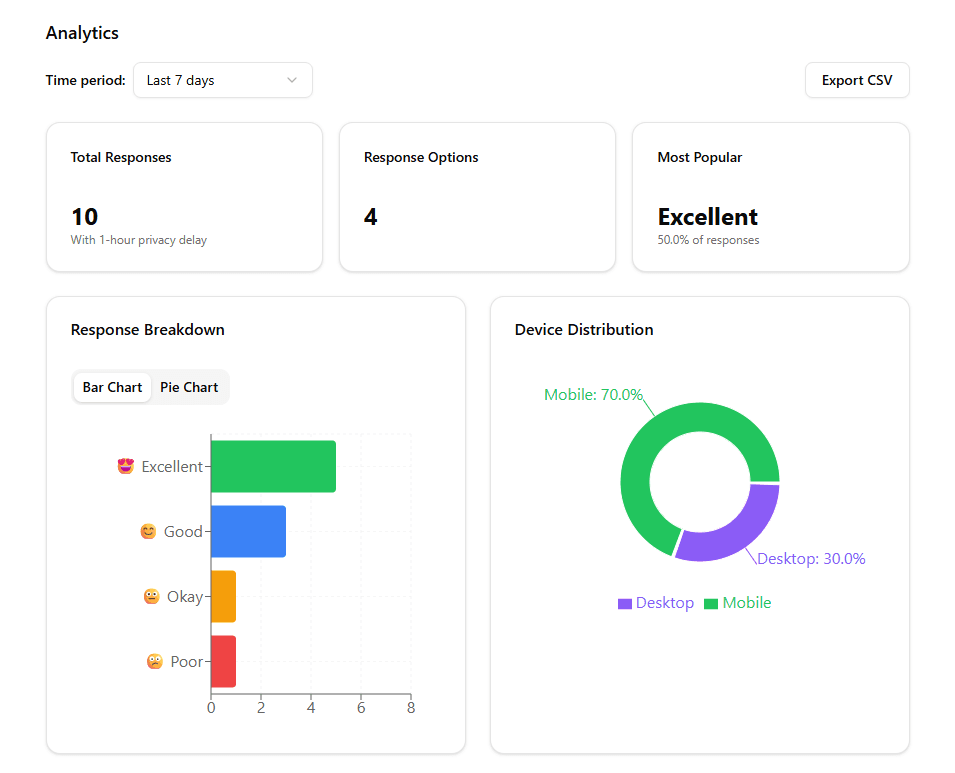
This allows businesses to quickly identify issues and improve customer experience.
Best Practices for QR Code Surveys
If you're planning to deploy scannable QR surveys, a few simple best practices can help increase response rates.
Keep surveys short
Surveys that take less than 10 seconds to complete typically receive the highest participation. Most businesses use:
- Simple ratings
- Multiple choice questions
- One optional comment field
Place QR codes where customers naturally pause
When you create QR codes and add them to printed materials, they work best in locations where people have a moment to scan, such as:
- Waiting areas
- Checkout counters
- Exits
- Packaging surfaces
Avoid placing them in areas where people are rushing.
Make the QR code clearly visible
When printing a QR code on a poster or sign, you want to make sure the QR code scans correctly—use high contrast colors and ensure the code is large enough to scan easily. Codes printed on glossy surfaces should be tested to avoid glare.
Provide context
Adding a small line of text near the QR code increases scan rates. For example:
“How was your experience today? Scan to leave quick feedback.”
QR Code Survey Examples
Below are common formats businesses use when deploying QR feedback systems.
Simple rating survey
Question: How was your experience today?
This is one of the most common survey QR code formats used in retail and restaurants.
Customer satisfaction survey
Question: How satisfied are you with this product?
Event feedback survey
Question: How useful was this session?
QR Code Surveys vs Email Surveys
Traditional email surveys often struggle with low response rates.
| Method | Response Time | Participation |
|---|---|---|
| QR Code Survey | Immediate | Higher |
| Email Survey | Delayed | Lower |
Because QR surveys capture feedback while the experience is still happening, they typically produce more responses.
When QR Code Surveys Are Most Effective
QR surveys work best when feedback is tied to a specific physical experience. Examples include:
- Visiting a store
- Attending an event
- Receiving a product
- Dining at a restaurant
- Completing a service
In these situations, customers can respond quickly before leaving the location.
Start Creating Your QR Code Survey
You can create a simple QR survey in just a few seconds with our survey-builder plus QR code generator tool: write your question, generate your QR code, and place it where customers can scan it.
Create your QR survey